
Your website sends a set of invisible instructions, called HTTP security headers, with every page it serves. They tell browsers how to protect your visitors — blocking clickjacking, forcing encrypted connections, and stopping malicious scripts. Most site owners have never seen them, but attackers check for missing ones routinely.
We built a free tool that grades your site’s security headers in seconds. Here’s how to use it.
Step 1: Open the Security Checker
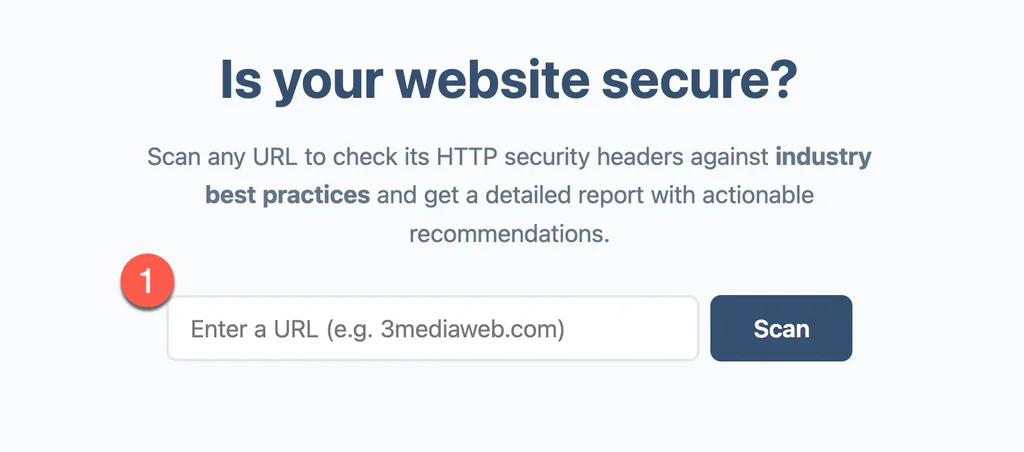
Go to security-check.3mediaweb.com. You’ll see a single field asking for your website URL.
Step 2: Scan Your Website
Type your full website address including the https:// part — for example, https://www.yourcompany.com — and click Scan. The report appears in a few seconds.
Step 3: Read Your Grade
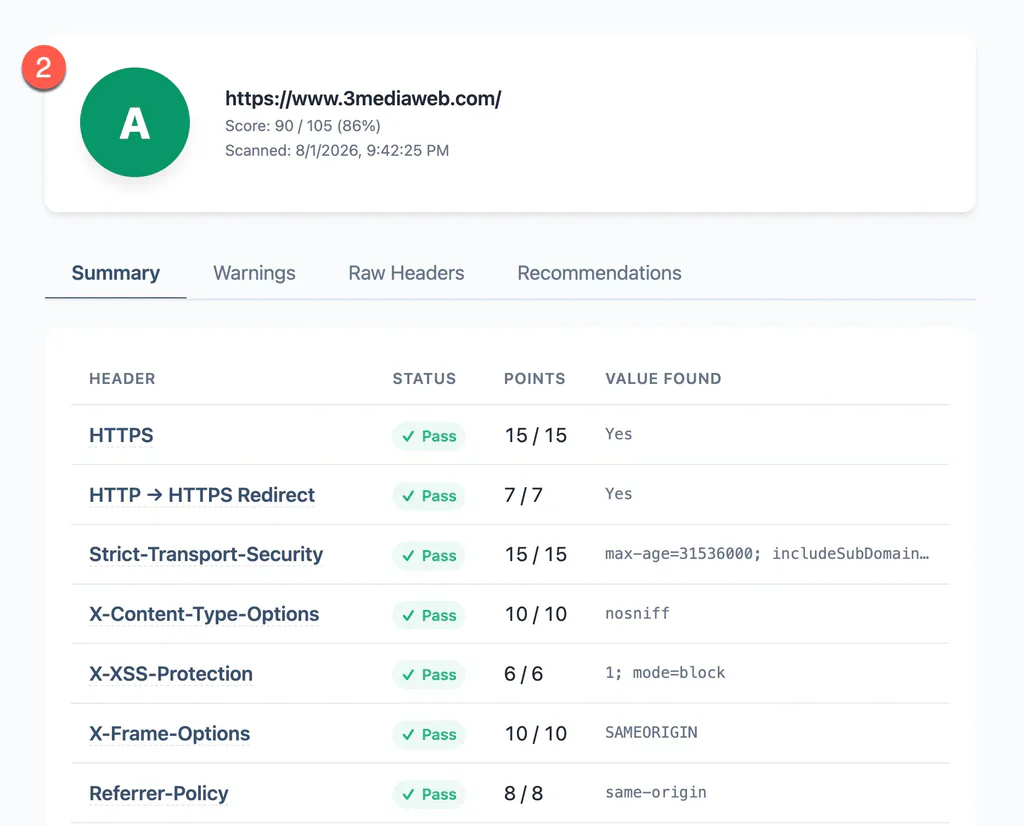
At the top of the report you’ll see a letter grade and a points score — for example, A with Score: 90 / 105 (86%).
Below that, a table lists each security check — HTTPS, Strict-Transport-Security, X-Frame-Options, Content-Security-Policy, cookie security, and more — with a Pass or Fail status, the points earned, and the exact value the scanner found.
Step 4: Review the Recommendations
Use the tabs above the table to dig deeper:
- Summary — the pass/fail table you land on.
- Warnings — items that passed but could be stronger.
- Raw Headers — exactly what your server sends, for the technically curious.
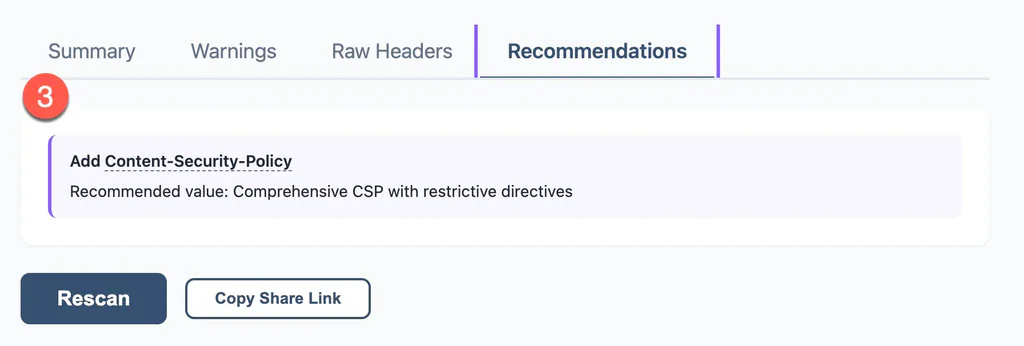
- Recommendations — plain-language fixes for anything that failed.
Step 5: Share Your Results
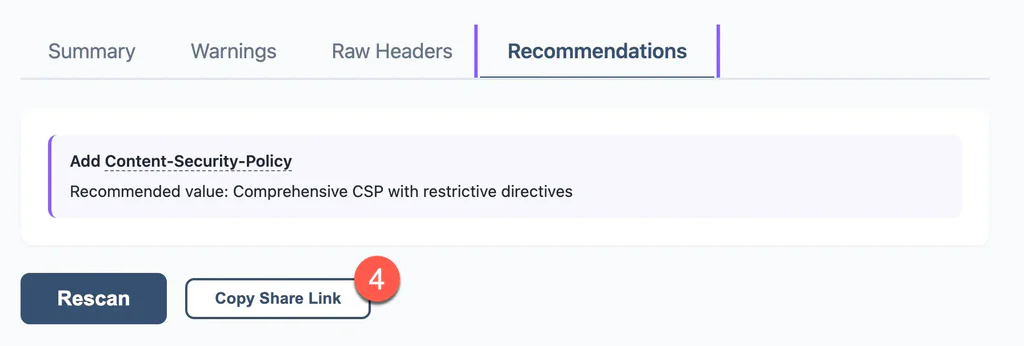
Click Copy Share Link and paste the link into an email or ticket to us. The link reruns the same scan, so we see exactly what you saw.
A failing grade isn’t cause for panic. Missing headers are one of the most fixable security issues a website has — most can be added at the server or plugin level without touching your site’s design or content. Our team handles this as part of ongoing website maintenance.
You’re All Set!
A quick scan now and again — especially after a redesign, migration, or hosting change — keeps your site’s protections from silently slipping.
If your grade isn’t where you’d like it to be, reach out and we’ll walk you through what the results mean and how to fix them.