Last updated: July 7, 2026
- Crawlability comes first: If Googlebot can’t reach a page, it can’t rank it. Fix broken links, orphan pages, stray “noindex” tags, and blocked robots.txt rules, then submit an XML sitemap.
- Speed and mobile are ranking signals: Google uses Core Web Vitals in its ranking systems and indexes the mobile version of your site first. Compress images, cut unused scripts, and aim to load in under 3 seconds.
- Structure signals relevance: Clear H1/H2 hierarchy, keyword-aligned copy, and internal links tell Google what each page is about and how your pages relate.
- Metadata and schema do the talking: Title tags, meta descriptions, image alt text, and structured data help Google categorize your pages and can lift click-through rates.
- Tools show you Google’s view: Google Search Console, PageSpeed Insights, Screaming Frog, and GA4 reveal what Google sees so you can fix what matters most for lead generation.
Why doesn’t my manufacturing website show up on Google?
Most manufacturing sites underperform in search because Google can’t read them the way a person does. You see carefully crafted pages, compelling messaging, and a modern design. Googlebot sees code, links, load times, and structured signals, and it ranks pages on what it can actually access and understand. When those signals are weak, your site stays invisible for the searches your buyers are making, and competitors win those clicks by default.
From a marketing manager’s seat, the site looks and sounds great. If it still isn’t producing traffic, leads, or ranking gains, the gap is almost always technical and structural rather than creative. Understanding how Google crawls, evaluates, and ranks your site is the first step toward making your digital presence work harder for your marketing goals, and it ties directly to lead generation.
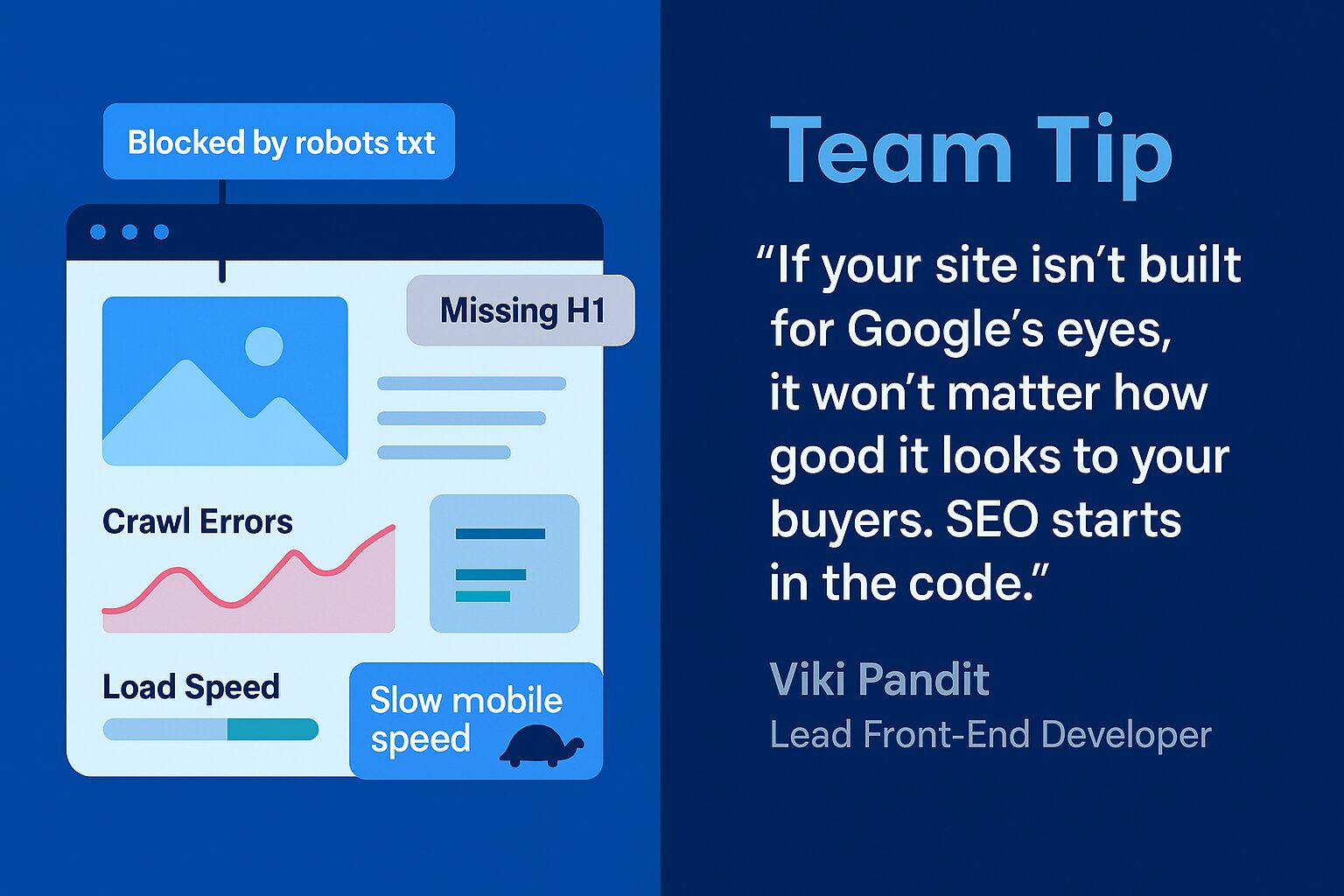
How does Google “read” your website?
Google reads your website with automated bots, called crawlers or spiders, that scan your code, content, and structure rather than your visuals. Those crawlers decide whether a page can be found, how fast it loads, whether it works on mobile, what it is about, and how it is described. The checklist below maps each signal Google evaluates to what helps your visibility and what quietly hurts it.
| What Google evaluates | What helps your ranking | What hurts it |
|---|---|---|
| Crawlability | Clean site structure, internal links, and a submitted XML sitemap so crawlers reach every key page. | Broken links, orphan pages, blocked robots.txt rules, and stray “noindex” tags on published content. |
| Page speed | Compressed images, trimmed scripts, and Core Web Vitals in the “good” range; load under 3 seconds. | Heavy images, unused third-party scripts, and slow pages, especially on mobile networks. |
| Mobile friendliness | Responsive design, tappable buttons, legible fonts, and content that matches desktop. | Pinch-to-zoom layouts, cramped tap targets, and mobile pages thinner than desktop. |
| Content relevance | Keyword-aligned copy, a clear H1/H2/H3 hierarchy, and internal links to related topics. | Thin or duplicate content, missing headings, and pages with no keyword focus. |
| Metadata and schema | Unique title tags and meta descriptions, descriptive image alt text, and structured data. | Missing or duplicate titles, empty alt attributes, and no structured data. |
Crawlability: can Google access your content?
Google can only rank a page it can reach, so crawlability is the foundation of everything else. A clean site structure lets crawlers find, access, and index your key pages without hitting dead ends. The usual culprits behind invisible pages are broken links, orphan pages with no internal links pointing to them, pages blocked in robots.txt, and “noindex” tags accidentally left on published content. Fix them by submitting an XML sitemap through Google Search Console, connecting related pages with internal links, and running a crawl audit with a tool like Screaming Frog.
Page load speed: how fast is fast enough?
Google rewards pages that load quickly. According to Google Search Central’s page experience guidance, Core Web Vitals are used by Google’s ranking systems, which look to reward content that provides a good page experience. In manufacturing, where buyers and engineers may open your site from a plant floor or a job site on mobile data, speed shapes both rankings and first impressions. Aim for load times under 3 seconds and Core Web Vitals in the “good” range. Compress large images, eliminate unused code and third-party scripts, and run on performance-optimized website support so performance stays consistent over time.
Mobile friendliness: does it work on the go?
According to Google Search Central’s mobile-first indexing documentation, Google uses the mobile version of your site for indexing and ranking, so your mobile experience is the one that counts. Manufacturing buyers and engineers are not always at a desktop, and Google’s mobile-first indexing evaluates your mobile pages before your desktop ones. Make sure your design is responsive, buttons are easy to tap, fonts are legible without zooming, and navigation and content stay consistent between mobile and desktop. A frustrating mobile experience costs you both rankings and the visitors who give up before they convert.
Content relevance and quality: does it match the query?
Google’s goal is to serve the most relevant, useful result for a search, so it scans each page for keyword alignment, clarity, and depth. The signals that move the needle are target keywords used naturally in titles, headers, and copy, a clear structure built on H1s, H2s, and H3s, unique content that adds real value, and internal links to related pages and topics. Authority matters too, so expertise and earned links compound your relevance over time.
Metadata and schema: how is the page described?
Google reads your meta tags and structured data to understand and display your pages, not just your body copy. Write keyword-rich, unique title tags and meta descriptions, add descriptive alt text to every image for accessibility and SEO, and use schema markup where it applies so search engines grasp your content. These details help Google categorize and display your pages accurately, and they can improve your click-through rate from the results page.
What common mistakes does Google notice that users don’t?
Google constantly evaluates technical health that visitors never see, and small issues can quietly suppress rankings. A page can look perfect to a human while Google flags duplicate content, missing tags, or insecure URLs in the background. The table below pairs the most common red flags with the fix, so you can run a fast gut check before you publish or hand work to a partner.
| Red flag Google notices | Why it hurts | How to fix it |
|---|---|---|
| Duplicate content | Splits ranking signals across near-identical pages and confuses which to rank. | Consolidate overlapping pages and use canonical tags to name the primary version. |
| Missing or duplicate title tags | Leaves Google to guess the topic and weakens relevance. | Write a unique, keyword-aligned title for every indexable page. |
| Unsecured URLs (non-HTTPS) | Signals a weaker page experience and erodes visitor trust. | Serve the whole site over HTTPS with a valid SSL certificate. |
| Thin or spammy content | Fails to satisfy intent, so pages struggle to rank or get indexed. | Replace filler with genuinely useful, specific content for your buyers. |
| Keyword stuffing | Reads as manipulation and can trigger quality downgrades. | Use keywords naturally and write for people first, search engines second. |
How can you tell what Google sees on your site?
You can see your site through Google’s eyes by combining a few free and paid tools, each of which surfaces a different slice of how Google crawls and evaluates your pages. No single tool tells the whole story, so use them together to build a clear picture and prioritize the fixes that will move rankings and lead gen first.
- Google Search Console: shows indexing status, keyword rankings, and mobile usability straight from Google.
- Google PageSpeed Insights: scores your desktop and mobile speed and flags Core Web Vitals issues.
- Screaming Frog SEO Spider: uncovers crawl errors, broken links, and metadata problems across the site.
- Ahrefs or Semrush: analyze keyword opportunities, backlinks, and overall technical health.
- GA4: connects organic traffic to the on-site behavior and conversions that matter to your goals.
If you are planning a redesign, audit before you build, because the website redesign mistakes that quietly destroy SEO can erase hard-won rankings overnight. For a deeper walkthrough of the on-page signals Google weighs, our quick guide to on-page SEO that works breaks down titles, headers, and internal linking step by step.
What is crawl budget, and does it matter for manufacturing sites?
Crawl budget is the number of pages Googlebot will crawl on your site in a given window, set by how fast your server responds and how much Google wants to crawl you. Most small manufacturing sites never hit the limit. But large product catalogs with thousands of SKU, filter, and pagination URLs can waste crawl budget on low-value pages, leaving important pages crawled less often. Trim duplicate URLs and keep your sitemap clean so Google spends its budget on the pages that win leads.
When should you run a technical SEO audit?
Run a full technical SEO audit at least once a year, and always before and after a website redesign, migration, or platform change, because that is when crawlability, redirects, and metadata break most often. Also audit when organic traffic drops without a clear cause, when you launch a large batch of new pages, or when Google Search Console flags a spike in indexing or Core Web Vitals errors. Between audits, a monthly Search Console check catches new issues early.
How do AI search engines and Google’s AI Overviews read your site?
AI answer engines like Google’s AI Overviews, ChatGPT, and Perplexity read the same crawlable HTML, structure, and schema that traditional search relies on, then extract short, self-contained passages to quote. To get cited, lead each section with a direct one-to-two-sentence answer, use clear H2 questions, add descriptive schema, and state concrete facts and numbers. The same technical foundation that helps Google rank your manufacturing site also makes it legible to the AI tools your buyers now use to shortlist vendors.
Frequently asked questions
How does Google see a website?
Google sees a website through automated crawlers that read its code, content, and structure rather than its visual design. They check whether pages are reachable, how fast they load, whether they work on mobile, what each page is about, and how it is described in metadata. Those signals, not the visual polish, determine how your pages rank.
Why isn’t my manufacturing website ranking on Google?
Manufacturing sites usually stall in search because of technical and structural gaps, not weak design. Common causes include pages Google can’t crawl, slow load times, a poor mobile experience, thin or unfocused content, and missing metadata. Audit those areas with Google Search Console and a crawler, then fix the highest-impact issues first.
Does page speed affect Google rankings?
Yes. Google uses Core Web Vitals as part of its ranking systems, and faster pages tend to rank and convert better. Aim for load times under 3 seconds and Core Web Vitals in the “good” range. Compress images, remove unused scripts, and choose performance-optimized hosting to keep speed consistent across devices.
What is mobile-first indexing?
Mobile-first indexing means Google uses the mobile version of your site for indexing and ranking. If your mobile pages have less content, slower speed, or a weaker layout than desktop, your rankings suffer. Use responsive design so your mobile and desktop content stay equivalent, with tappable buttons and legible text.
Which tools show what Google sees on my site?
Google Search Console, Google PageSpeed Insights, Screaming Frog SEO Spider, Ahrefs or Semrush, and GA4 each reveal a different layer of how Google reads your site. Search Console shows indexing and rankings, PageSpeed scores performance, Screaming Frog finds crawl and metadata errors, and GA4 ties organic traffic to conversions. Use them together.
How long does it take to improve SEO for a manufacturing site?
SEO is a long-game investment rather than a quick fix. Technical fixes like crawlability and speed can show movement within weeks, while content and authority gains usually compound over several months of consistent work. A regular review cadence keeps the strategy on track and aligned to your lead-generation goals.
How 3 Media Web can help
At 3 Media Web, we help manufacturing marketers align their websites with Google’s evolving standards so the site can climb rankings and drive results, guided by our Human and AI approach so judgment leads and automation supports. We support full technical and on-page SEO strategy audits, keyword strategy and metadata optimization, speed and mobile performance improvements, web design and development with built-in SEO best practices, and ongoing conversion optimization to turn visibility into qualified leads. Our strategic support services adapt as your needs change. We don’t guess what Google wants, we build with it in mind.
For a deeper look at this, see Is SEO Dead? Why It Survives Every Google Shake-Up.
In our work with EZTube, a manufacturing company on an ultra-tight budget, we focused on exactly these signals: rewriting headings around better target keywords, optimizing metadata to lift organic click-through, and simplifying content blocks so the most important information stood out. Rather than buying more traffic, we optimized the traffic EZTube already had. The result was a 95% year-over-year increase in ecommerce purchases, an 11% rise in key conversion events, and a 17% jump in total users, which shows how much room a manufacturing site can unlock just by fixing what Google sees.
Ready to make your manufacturing site visible? Contact 3 Media Web to learn how we can help you get understood, indexed, and ranked.
For the full picture, see our manufacturing web design overview — how we build sites for spec-driven buyers, distributor networks, and long sales cycles.