Last updated: July 7, 2026
- Spot the red flags early: slow responses, no strategic input, opaque billing, sloppy technical work, and capabilities you have outgrown are the five clearest signs a web vendor relationship is failing.
- Audit before you act: document what is broken and what your next partner must do better, from support response times to SEO, performance, and integrations.
- Secure your assets first: confirm full access to your CMS, hosting, domain/DNS, analytics, and design files, then reset every credential once the handoff is done.
- Plan a 90-day transition: a phased onboarding plan with the right partner fixes urgent issues fast and rebuilds workflows without losing campaign momentum.
- Choose a partner, not a vendor: look for a team that pairs day-to-day support with proactive strategy so your website keeps evolving with the business.
How do you know it is time to switch web vendors?
It is time to switch web vendors when the relationship consistently costs you more time, money, or momentum than it returns. The clearest signals are slow or unclear communication, no strategic input, surprise invoices, recurring bugs, and a skill set that no longer matches where your business is headed. One bad week is normal; a pattern across these areas is the signal to move on.
Most marketing managers start a vendor relationship with high hopes. You expect a responsive partner who understands your goals, supports your team, and helps your site evolve with the business. Over time, though, something shifts. Requests take too long, strategic input dries up, and communication drops off, until you are left wondering whether the partnership still works. If managing your website feels harder than it should, your vendor may be a blocker rather than a booster.
Switching does carry risk, so the goal is a clean transition that protects your traffic, your access, and your roadmap. This guide covers the warning signs to watch for, a side-by-side look at a healthy partner versus a failing one, and the exact steps to move on without losing ground. It pairs naturally with a clear web strategy so your next site supports the business instead of holding it back.
What is the difference between a web vendor and a web partner?
A web vendor completes the tickets you assign and stops there; a web partner owns outcomes with you, bringing proactive strategy, transparent reporting, and a roadmap for what to improve next. The word on the contract does not matter. Behavior does: a partner tells you what you are missing before you have to ask, while a vendor waits to be told. If you have to manage your agency more than your agency manages your website, you have a vendor.
What are the red flags in a web vendor relationship?
The red flags in a web vendor relationship fall into five categories: slow response times, no strategic support, opaque processes and billing, poor technical execution, and outgrown capabilities. Any one of these can appear in a healthy partnership occasionally; the warning sign is when they become the norm.
1. Slow or inconsistent response times
Slow response times are the most visible red flag because they stall everything downstream. You submit tickets or emails and hear nothing for days, campaign timelines slip, and your roadmap stalls while your team waits.
- Missed or delayed deliverables
- Vague timelines for basic updates
- No escalation process for urgent issues
2. Lack of strategic support
A lack of strategic support means you are getting task execution without thinking. The vendor closes tickets but never tells you how the site could perform better or what to prioritize next.
- No regular check-ins or performance reviews
- No input on SEO, UX, or optimization opportunities
- You are the only one flagging problems
3. Opaque processes and billing
Opaque billing erodes trust because you cannot connect what you pay to what you get. You are unclear on how requests are tracked, how hours are used, or what your agreement actually covers, and invoices arrive without explanation.
- No shared project tracker or ticketing system
- Surprise costs without justification
- Limited visibility into hours used or budget remaining
4. Poor technical execution
Poor technical execution turns your vendor into a source of new problems instead of a solver of old ones. Pages break, forms stop working, and routine updates introduce fresh bugs your team has to clean up.
- Frequent bugs or performance issues
- Inconsistent mobile experience
- Trouble maintaining accessibility or site speed
5. You have outgrown their capabilities
Outgrowing a vendor happens when what worked at a smaller scale no longer fits your needs. You need deeper integration support, better analytics, or faster web design and development, but the vendor is not evolving with you.
- Limited CMS or tech stack expertise
- No roadmap for future improvements
Recurring downtime is often the red flag that finally forces a decision, because it hits revenue directly. In our work with JazzHR, a recruiting software company, the marketing site had been going down roughly once a month, quietly costing them leads every time prospects could not start a trial or book a demo. After 3 Media Web took over support, the site ran with zero incidents, and pairing that stability with a self-scheduling option lifted demo conversions by 133%. As their senior marketing manager put it, we were “the first vendor that actually gets us.” That is the gap between a vendor who patches problems and a partner who removes them.
Healthy web partner vs. failing vendor: a quick comparison
Use this comparison to judge where your current relationship stands. Score each row honestly. If your vendor lands in the right-hand column on three or more rows, the relationship is likely holding you back, and a switch is worth planning. A strong partner consistently lives in the middle column, behaving like an extension of your team rather than an outside vendor you have to chase.
| What to evaluate | Healthy partner | Failing vendor (red flag) |
|---|---|---|
| Response time | Replies within agreed SLAs with a clear escalation path. | Days of silence; no way to flag something as urgent. |
| Strategic input | Brings proactive ideas for SEO, UX, and conversion. | Only executes tickets; never suggests improvements. |
| Billing and tracking | Shared tracker, transparent hours, no surprise invoices. | Opaque hours and unexpected charges without context. |
| Technical quality | Stable releases; performance and accessibility hold up. | Recurring bugs, broken forms, and slow pages. |
| Growth fit | Scales with integrations, analytics, and new features. | Stuck at yesterday’s scope with no roadmap. |
When should you fire your web agency versus give them another chance?
Give them another chance when the problem is a single missed deadline or a one-off bug and the agency owns it, communicates clearly, and fixes it fast. Start planning a switch when the red flags are a repeating pattern, strategic input is absent, or a service outage is costing you revenue and no one is preventing the next one. A useful test: raise your concerns directly once. If the next 30 days improve, stay; if nothing changes, move on.
How do you switch web vendors without losing momentum?
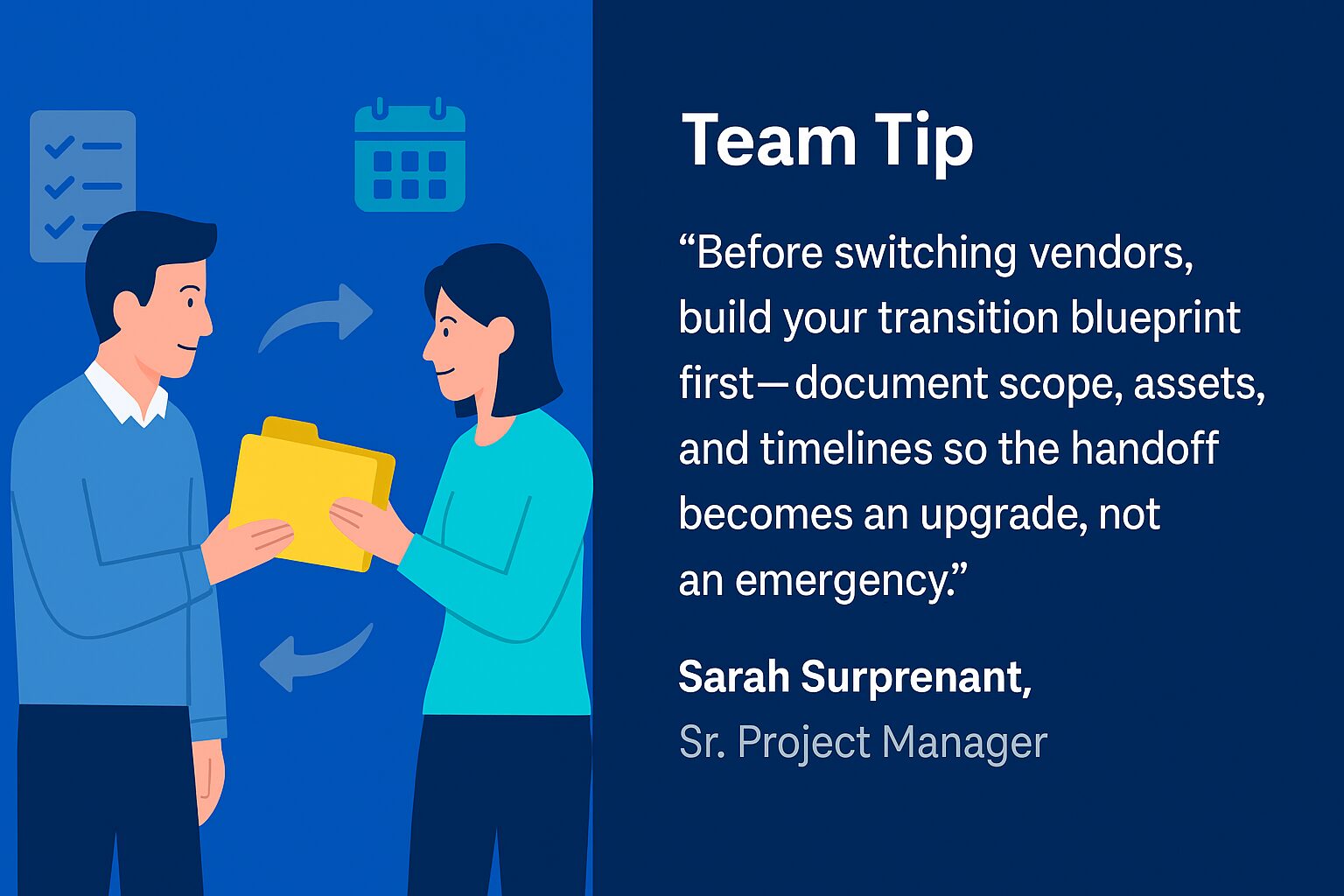
You switch web vendors smoothly by auditing what is broken, securing access to every asset, choosing a partner that fits your needs, and running a 90-day transition plan. Handled in that order, a switch protects your traffic and credentials while your new team fixes the urgent issues first.
This topic and more are covered in the Choosing a Web Partner guide.
Step 1: Audit what is working and what is not
Start by documenting current gaps, frustrations, and wish-list improvements so your next partner knows exactly what to fix. Capture:
- Website support response time
- Ease of updating content
- Current performance (speed, SEO, lead generation)
- Integration issues (CRM, forms, analytics)
A written audit clarifies what your new partner must deliver and helps them onboard faster. If you are a one- or two-person team trying to do this between everything else, our guide to prioritizing website tasks when you are a team of one or two is a useful companion.
Step 2: Secure site access and assets
Before you end the current contract, confirm you have full administrative access to everything that runs your site. Lost access is the single most common way a vendor switch goes sideways, so treat this step as non-negotiable. Make sure you control:
- CMS and hosting accounts
- Domain registrar and DNS settings
- Google Analytics, Tag Manager, and other tools
- Design files, templates, and brand assets
Once access is transitioned, change every credential. Revoking and resetting access when a working relationship ends is a recognized security practice. According to CISA (the U.S. Cybersecurity and Infrastructure Security Agency), its Cybersecurity Performance Goals list revoking credentials for departing personnel as a core action, recommending that all accounts and access to organizational resources be disabled by the day of departure.
Step 3: Choose a partner that aligns with your needs
Choose a partner whose strengths map to the gaps your audit exposed, not just the lowest bid. Look for an agency that:
- Understands B2B and complex, considered buying cycles
- Offers both strategic input and day-to-day website support
- Works collaboratively and transparently
- Can handle integrations, performance, paid media management, and SEO
- Has clear onboarding, intake, and tracking processes
Fit matters more than size. According to Ad Age, reporting on a joint ANA and 4As study, the average client-agency relationship now lasts close to seven years, so you are choosing a partner you may work with for a long time. If you run or work inside an agency yourself and need a white-label team behind you, our agency partnership support is built for exactly that. Choose for the long game, not just the next ticket.
Step 4: Create a 90-day transition plan
Build a 90-day plan with your new agency that fixes urgent issues first and rebuilds the foundation second. Prioritize:
- Fixing known issues
- Migrating or documenting CMS structure
- Reviewing design systems or templates
- Setting up recurring requests or campaign workflows
- Auditing accessibility and performance for a fresh start
A phased plan keeps the transition calm and predictable instead of a scramble. Done well, momentum builds rather than stalls, and improvements like faster conversion rate optimization start compounding within the first quarter.
Frequently asked questions
What are the biggest red flags in a web vendor relationship?
The biggest red flags are slow or inconsistent communication, no strategic input, opaque billing, recurring technical problems, and capabilities you have outgrown. Any one can happen occasionally in a healthy partnership. The warning sign is a consistent pattern across several of these areas that keeps costing you time, budget, or momentum.
How do I switch web agencies without losing my website or rankings?
Secure full access to your CMS, hosting, domain, DNS, analytics, and design files before ending the contract, then reset all credentials. Document your current setup so the new team can migrate it cleanly. A phased 90-day transition that preserves URLs and redirects protects your search rankings and traffic during the handoff.
How much does it cost to switch web agencies?
The biggest cost of switching is usually the cost of staying: lost leads, downtime, and slow updates. Direct switching costs depend on site complexity and how much documentation your old vendor left behind, but a clean 90-day transition front-loads the work into onboarding rather than emergency fixes. Ask any prospective partner for a fixed-scope audit and transition estimate up front so there are no surprises.
Should I tell my current vendor I am leaving before I have a replacement?
Secure your assets and confirm access first, then line up a replacement before giving notice. This protects continuity and avoids a gap where no one owns your site. Once the new partner is ready and the handoff is documented, give clear written notice and reset every credential after the transition completes.
How long does it take to switch web vendors?
A well-run switch typically takes about 90 days from kickoff. The first weeks focus on access, audits, and fixing urgent issues, while the rest of the quarter rebuilds workflows, documentation, and performance. The exact timeline depends on site complexity, integrations, and how much documentation your previous vendor left behind.
What should I look for in a new web partner?
Look for a partner that pairs day-to-day support with proactive strategy, communicates transparently, and can handle integrations, performance, SEO, and conversion work. Clear onboarding, shared tracking, and honest reporting matter as much as technical skill. The best partners behave like an extension of your team rather than an outside vendor you have to manage.
How 3 Media Web Can Help
At 3 Media Web, we have helped dozens of marketers make the switch from an underperforming vendor to a strategic partnership, guided by our Human and AI approach so judgment leads and automation supports. If the red flags above feel familiar, it may also be worth understanding why some partnerships fail and how to avoid the pitfalls before you choose your next partner.
Our onboarding process includes:
- A comprehensive site audit grounded in your web strategy
- Transition planning and CMS access review
- Setup of dashboards, tracking tools, and task management
- Ongoing collaboration and regular performance check-ins
- Support across web design and development, SEO, conversion optimization, and more
Whether you need a one-time audit or long-term support, we are ready to step in and help your marketing team get more from your website. Reach out to our team to talk through a smooth, low-risk switch.